Meet Buddy

Your Intelligent AI Desktop Companion with Voice Commands, Gesture Control & Face Authentication

30+

Voice Commands

10+

Gestures

AI

Powered

Experience the Magic

See how Buddy brings AI to your desktop

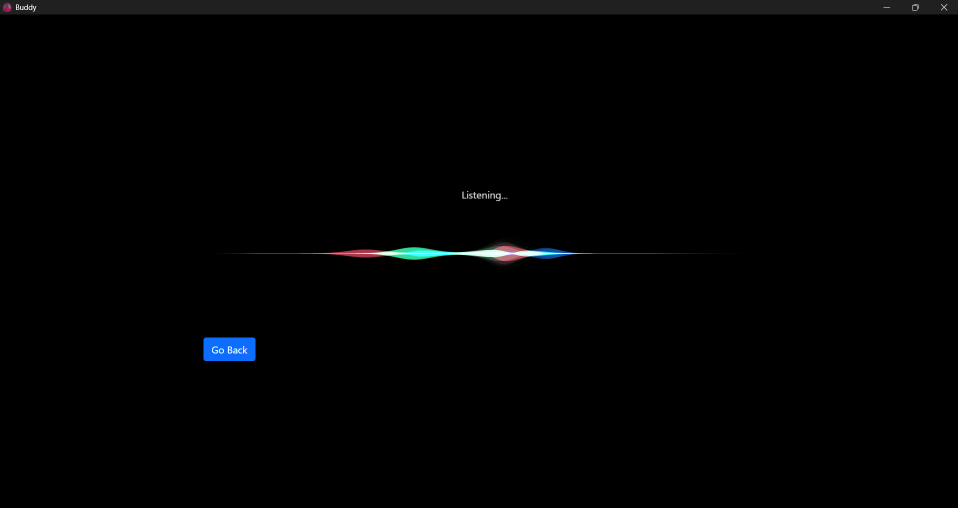
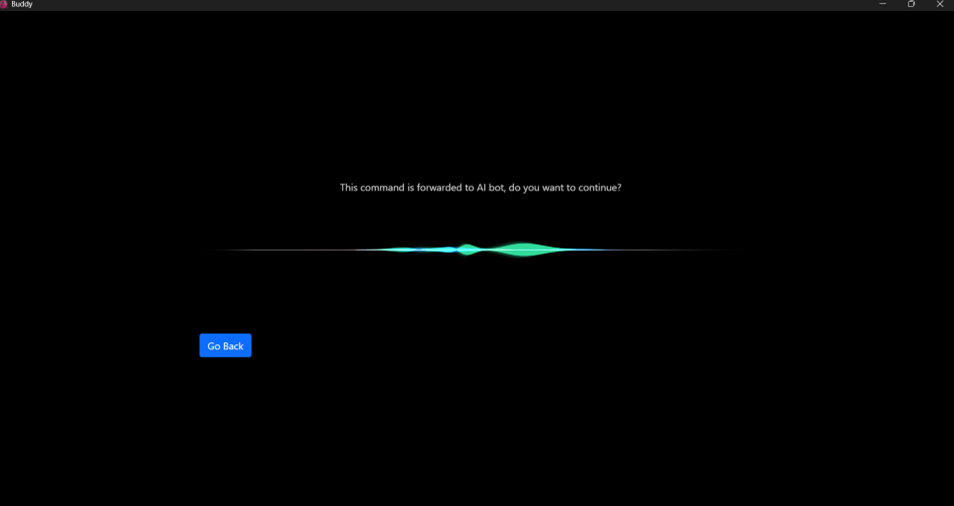
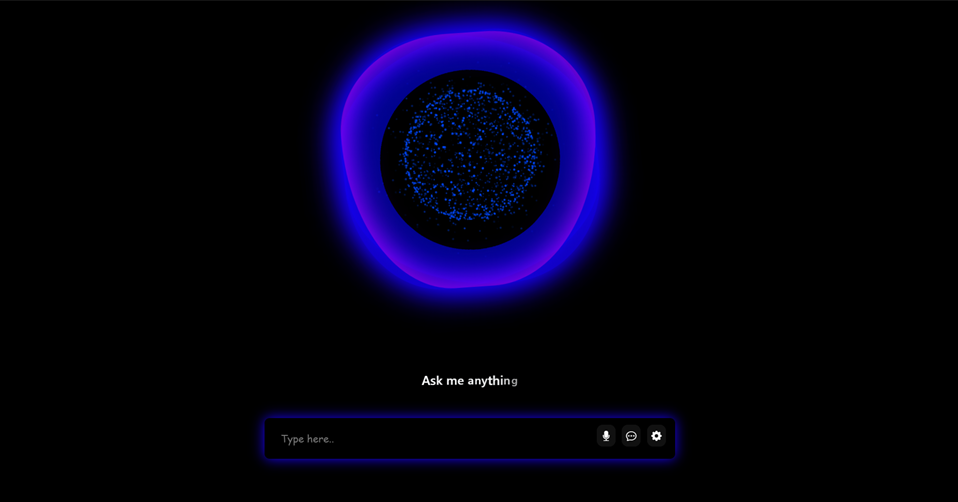
Voice Visualization

Say "Hey Buddy" to activate

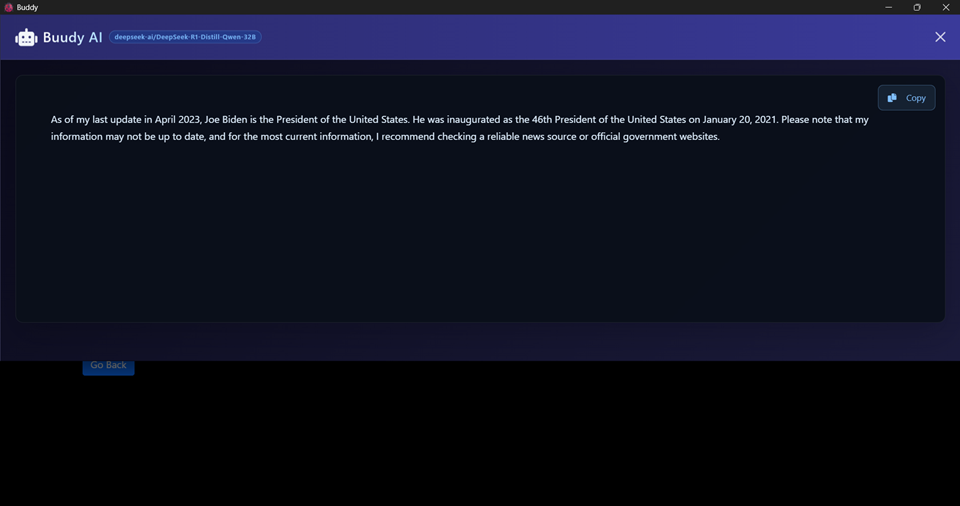
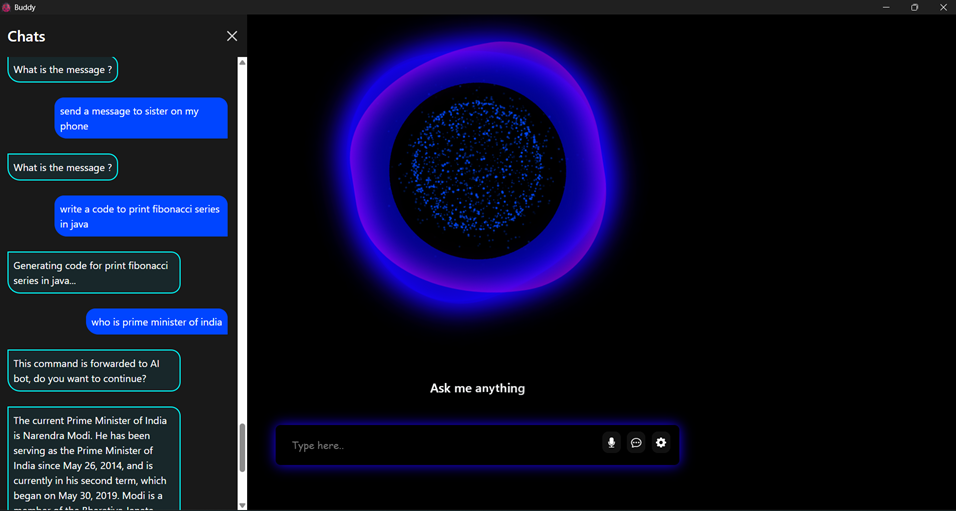
See Buddy in Action

Explore the interface and features through screenshots
Click arrows to navigate • Auto-plays every 5 seconds

Powerful Features

Everything you need in one intelligent assistant

Virtual Mouse

Control your cursor with hand gestures using OpenCV and MediaPipe AI

Voice Assistant

30+ voice commands with wake word detection and natural language processing

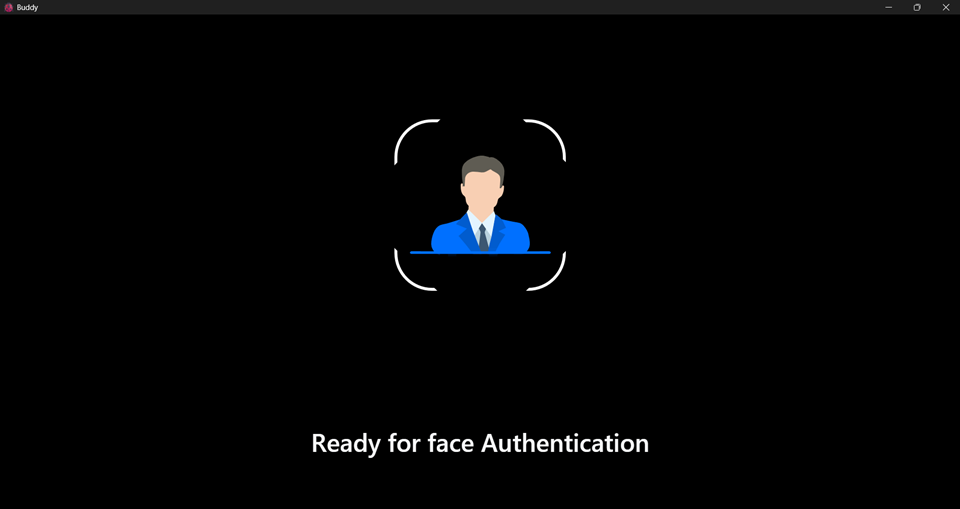
Face Authentication

Secure login with LBPH face recognition technology

Spotify Control

Play your favorite music with voice commands

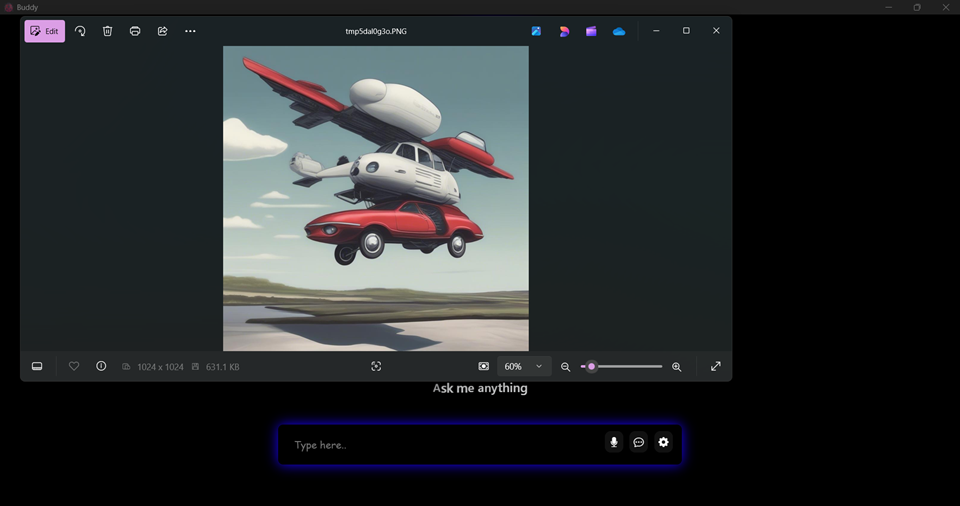
AI Image Generation

Create images from text using Stable Diffusion

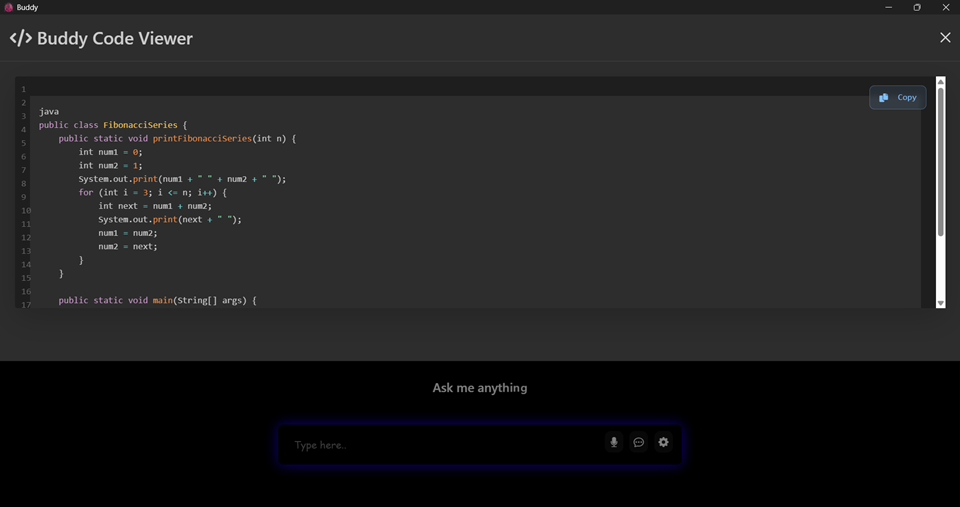
Code Generator

AI-powered Python code generation with StarCoder

Get Started Today

Download and set up Buddy in minutes

🐞 Buddy v1.0.0

Windows 10/11 • Python 3.8+

git clone https://github.com/Rathore-Rajpal/HeyBuddy.git

Quick Setup:

  1. Run setup.bat to install dependencies
  2. Copy .env.example to .env and add your API keys
  3. Run setup_face_auth.bat to register your face
  4. Launch with LAUNCH_BUDDY.bat